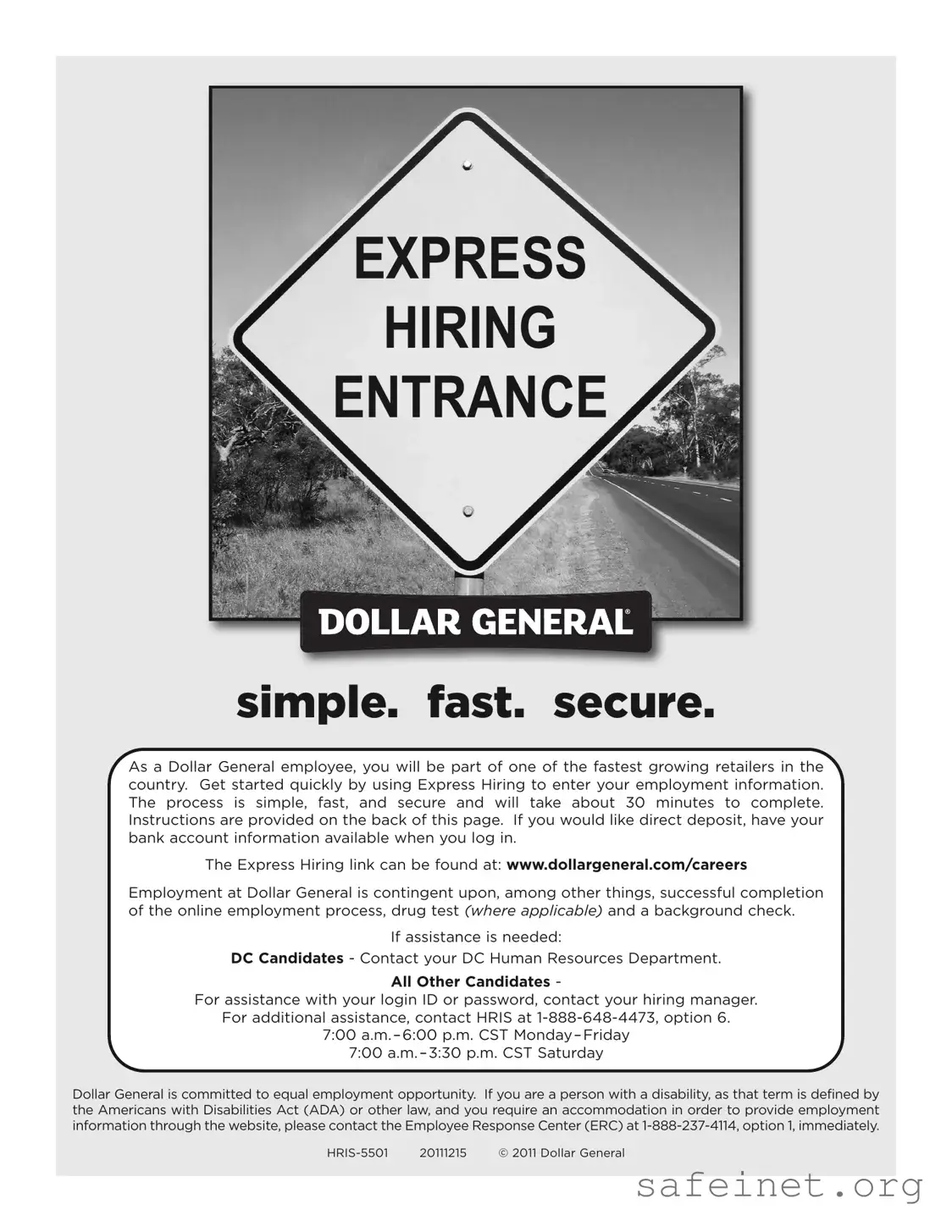
The Dollar General Express Hiring form is designed to streamline the employment process for prospective employees, making it quick and efficient. This online application takes about 30 minutes to complete and is accessible via the Dollar General careers website. To ensure a smooth experience, applicants should have their bank account information handy for direct deposit options and must provide two forms of identification to verify their eligibility to work in the United States. The hiring process is contingent upon successfully completing the online form, passing a drug test when applicable, and undergoing a background check. If assistance is needed, candidates can reach out to their hiring manager or the Human Resources department for support. Dollar General emphasizes its commitment to equal employment opportunities, and accommodations are available for individuals with disabilities as defined by the Americans with Disabilities Act. Privacy is a priority; all information submitted is kept confidential, and the use of Social Security numbers is strictly for verification purposes. As you navigate this process, remember that timely completion is crucial, as login credentials will expire after five days. Prepare to bring the necessary identification documents on your first day to finalize the hiring process.
| Fact Name | Details |
|---|---|
| Express Hiring Overview | The Express Hiring process at Dollar General is designed to be simple, fast, and secure, allowing candidates to complete their employment information in approximately 30 minutes. |
| Direct Deposit | Candidates who wish to set up direct deposit should have their bank account information ready when logging into the Express Hiring system. |
| Contingent Employment | Employment at Dollar General is contingent upon successfully completing the online employment process, passing a drug test (if applicable), and undergoing a background check. |
| Assistance Contacts | For assistance, Distribution Center (DC) candidates should contact their DC Human Resources Department, while all other candidates can reach out to their hiring manager or HRIS at 1-888-648-4473. |
| Equal Employment Opportunity | Dollar General is committed to equal employment opportunities and provides accommodations for individuals with disabilities as defined by the Americans with Disabilities Act (ADA). |
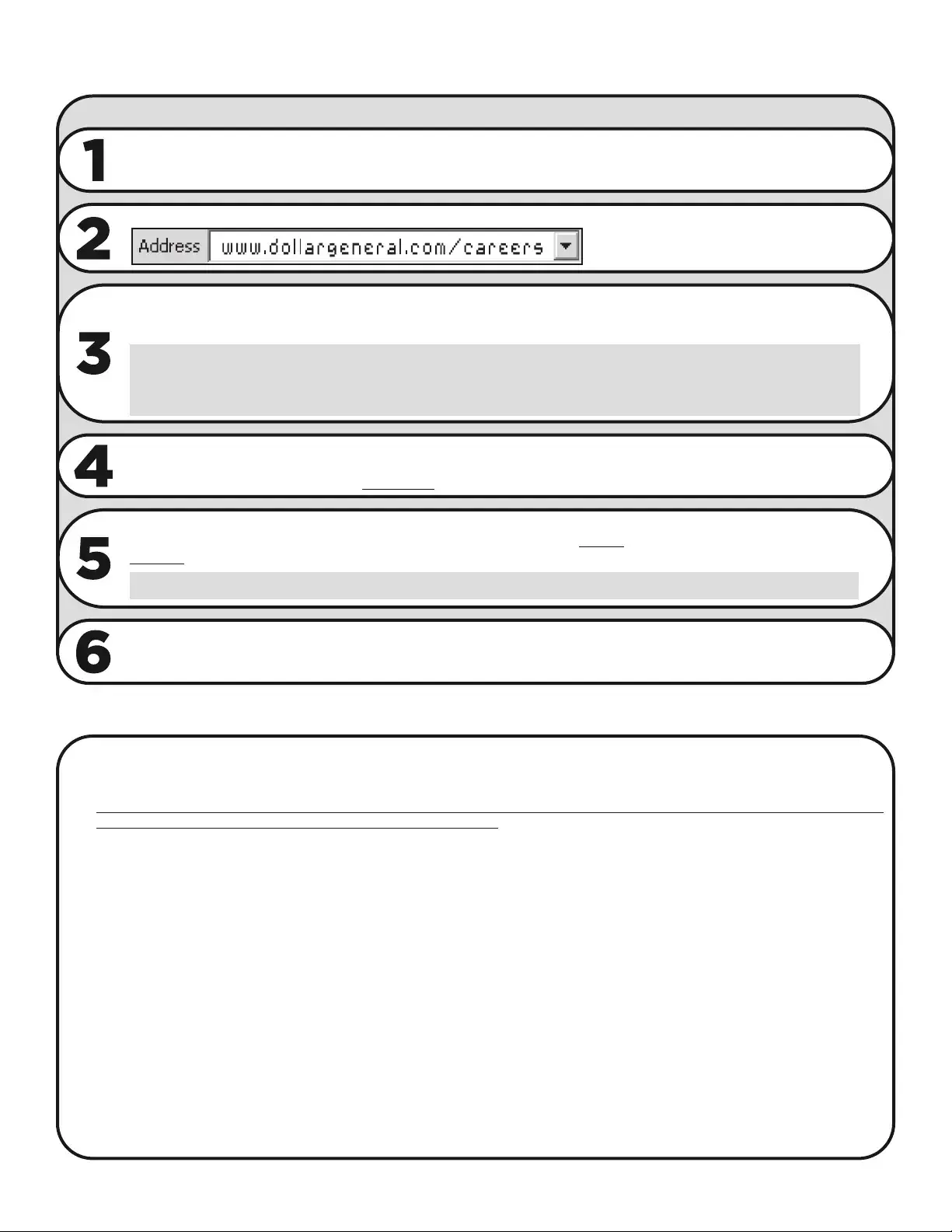
| Login Requirements | To log in, candidates must use their Social Security number as their Login ID and the first four digits of their birthdate as their password. The password expires in 5 days. |
| Identification Documents | Candidates must have two forms of identification available that demonstrate their eligibility to work in the U.S. These documents are required on the first day of work as well. |
| First Day Requirements | On the first day of work, store candidates should bring a copy of their driver’s license for WOTC purposes and the same documents used to complete the I-9 form online, especially if in Colorado. |
Completing the Dollar General Express Hiring form is a straightforward process. It requires specific personal information and documentation to ensure eligibility for employment. The form should take approximately 30 minutes to complete, and it is essential to have certain documents ready for verification.
What is the Dollar General Express Hiring form?
The Dollar General Express Hiring form is an online application process designed to streamline the hiring of new employees. It allows candidates to enter their employment information quickly and securely. The entire process typically takes about 30 minutes to complete.
How do I access the Express Hiring form?
You can access the Express Hiring form by visiting the Dollar General careers website at www.dollargeneral.com/careers. From there, you will find the link to the Express Hiring section, where you can begin the application process.
What information do I need to complete the form?
To complete the form, you will need your Social Security number and the first four digits of your birth date. Additionally, have your bank account information ready if you wish to set up direct deposit. It's also important to have two forms of identification available to prove your eligibility to work in the United States.
What if I have trouble logging in?
If you encounter issues logging in, such as receiving a "Not Found" message for your Login ID or needing to reset your PIN, contact your hiring manager for assistance. They will help you resolve any login issues you may have.
What documents do I need to show on my first day of work?
On your first day, you must present the same two forms of identification that you used during the online application to prove your identity and employment eligibility. Acceptable documents include a state-issued driver's license, a U.S. passport, or a Social Security card, among others. A complete list of acceptable documents can be found on the Express Hiring website.
What happens after I submit my application?
Once you have completed the application and provided all required information, you should receive a completion message. If you do not receive this message, review your application for any errors. After successful submission, your hiring manager will contact you to schedule your first day of work, provided all pre-employment requirements are met.
What should I do if I need assistance during the application process?
If you require assistance, candidates at distribution centers should contact their DC Human Resources Department. For all other candidates, you can reach out to your hiring manager for help with login issues or contact HRIS at 1-888-648-4473, option 6, during business hours for additional support.
Not completing all required fields: Ensure that every section of the form is filled out completely. Missing information can delay the process.
Incorrect login information: Double-check your Login ID and password. The Login ID is your Social Security number, and the password is the first four digits of your birthdate.
Failing to save progress: Remember to click "Save & Continue" on every page. Not doing so can result in lost information.
Using dashes in Social Security number: Enter your Social Security number without any dashes. For example, write it as 123456789.
Not having identification ready: Be prepared to show two forms of identification that prove your eligibility to work in the United States on your first day.
Ignoring password expiration: Remember that your password will expire in five days. Log in as soon as possible to avoid issues.
Forgetting to review work: After completing the form, check for any error messages. If you do not receive a completion message, review your entries carefully.
Not seeking help when needed: If you encounter issues, reach out for assistance. Contact your hiring manager or HRIS if you need support.
The Dollar General Express Hiring form is a vital document for prospective employees looking to join the company. However, several other forms and documents are typically required during the hiring process. Each of these documents serves a specific purpose, ensuring compliance with employment laws and facilitating a smooth onboarding experience.
These documents collectively contribute to a thorough hiring process, ensuring that all legal requirements are met while providing a clear framework for new employees. Completing each form accurately and promptly is crucial for a successful onboarding experience at Dollar General.
The W-4 form is a critical document for employees starting a new job. It determines how much federal income tax should be withheld from an employee's paycheck. Similar to the Dollar General Express Hiring form, the W-4 requires personal information such as name, address, and Social Security number. Completing the W-4 is essential for ensuring that employees do not overpay or underpay their taxes throughout the year. Both forms demand accuracy and prompt submission to facilitate the hiring process and ensure compliance with federal regulations.
The I-9 form, or Employment Eligibility Verification form, is another important document that aligns closely with the Express Hiring form. This form is used to verify an employee's identity and their eligibility to work in the United States. Like the Express Hiring form, the I-9 requires specific identification documents, which must be presented in person on the first day of work. This process ensures that employers comply with immigration laws while simultaneously protecting the rights of employees, making it a vital part of the hiring process.
The resume serves as a personal marketing tool for job seekers and is quite similar to the Express Hiring form in that it collects essential personal and professional information. While the Express Hiring form is focused on employment eligibility and specific job-related data, the resume highlights an individual’s work history, skills, and education. Both documents aim to present the candidate in the best light possible to potential employers, facilitating a smoother hiring process.
The cover letter is often submitted alongside a resume and shares similarities with the Express Hiring form in its purpose of introducing the candidate to the employer. A well-crafted cover letter outlines the candidate’s qualifications and expresses their interest in the position. Just as the Express Hiring form streamlines the application process, a cover letter adds a personal touch, helping candidates to stand out in a competitive job market.
The job application form is another document that parallels the Dollar General Express Hiring form. This form collects detailed information about the applicant, including work history, education, and references. Both forms require candidates to provide accurate and truthful information. They serve as foundational documents that initiate the hiring process, allowing employers to assess the qualifications and fit of potential employees.
The background check authorization form is essential for employers to verify the integrity of potential hires. Similar to the Express Hiring form, it requires personal information such as name, address, and Social Security number. Both documents are designed to ensure that the hiring process is thorough and compliant with legal standards. The background check helps employers make informed decisions about candidates, contributing to a safer work environment.
The drug test consent form is another document closely related to the Express Hiring process. This form grants permission for employers to conduct drug testing as part of their hiring criteria. Like the Express Hiring form, it emphasizes the importance of compliance with company policies and legal requirements. Both documents are crucial for ensuring a safe and productive workplace, especially in industries where safety is paramount.
The onboarding paperwork is the final document that bears resemblance to the Dollar General Express Hiring form. This paperwork typically includes various forms that new employees must complete after being hired, such as tax forms, benefits enrollment, and company policies. Like the Express Hiring form, onboarding paperwork ensures that all necessary information is collected to facilitate a smooth transition into the workplace. Both processes aim to prepare new employees for their roles while ensuring compliance with organizational standards.
When filling out the Dollar General Express Hiring form, there are several important dos and don’ts to keep in mind. Following these guidelines can help ensure a smooth application process.
By adhering to these dos and don’ts, applicants can navigate the Dollar General Express Hiring form with greater confidence and efficiency.
Misconceptions about the Dollar General Express Hiring form can lead to confusion and frustration for applicants. Understanding the truth behind these myths can make the hiring process smoother. Here are ten common misconceptions:
By dispelling these misconceptions, applicants can approach the Dollar General Express Hiring process with greater confidence and clarity.
Key Takeaways for Filling Out the Dollar General Express Hiring Form:
If you need assistance, contact your hiring manager or HRIS at 1-888-648-4473 during business hours.