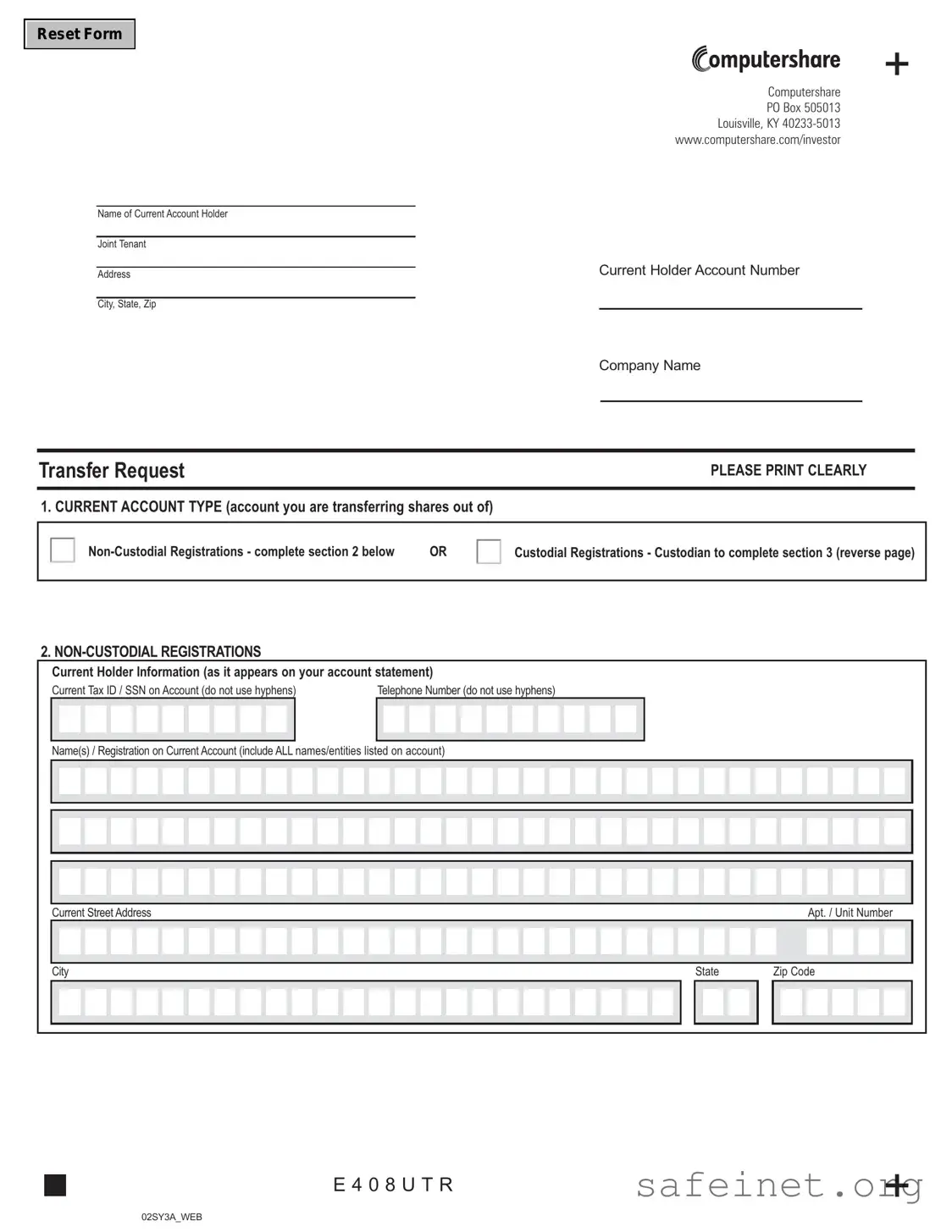
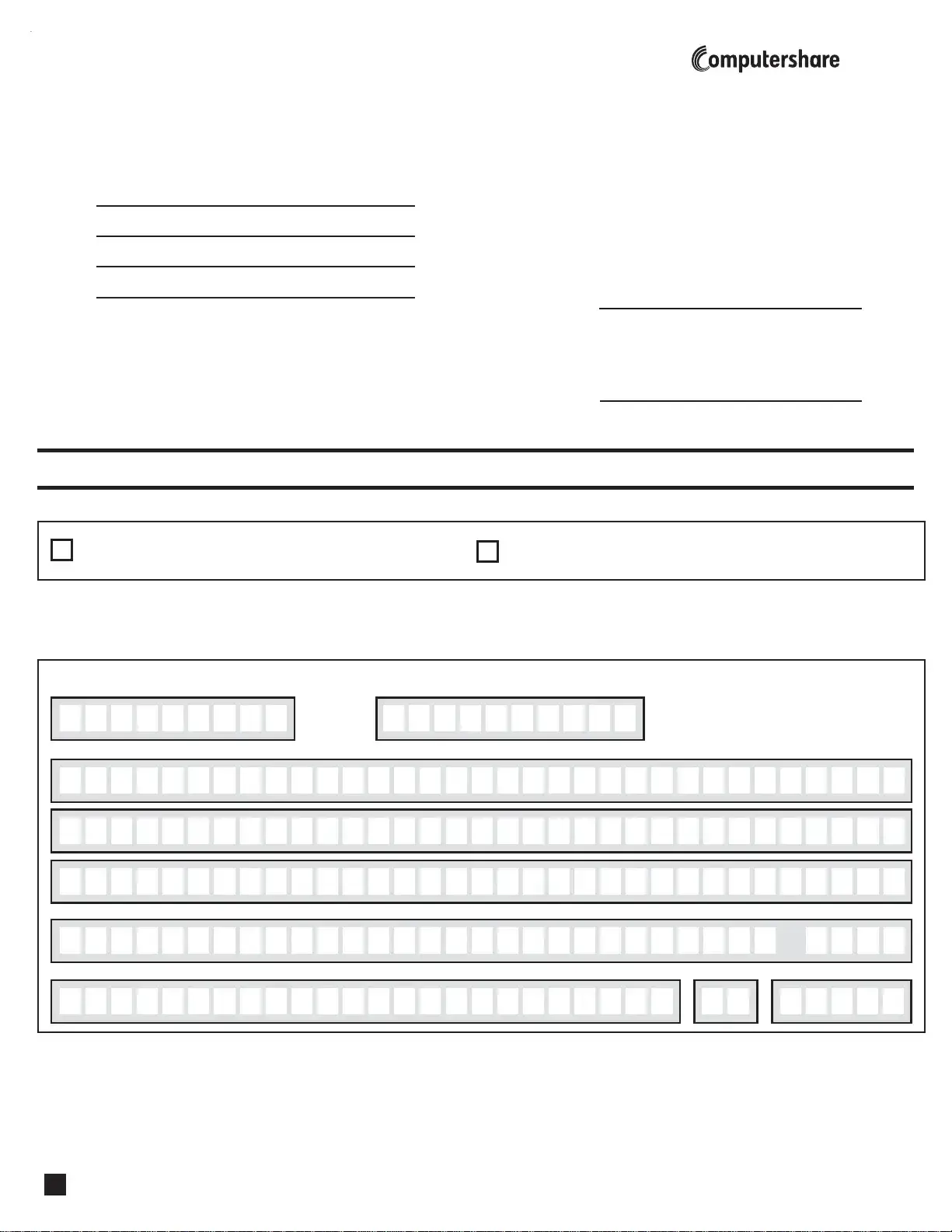
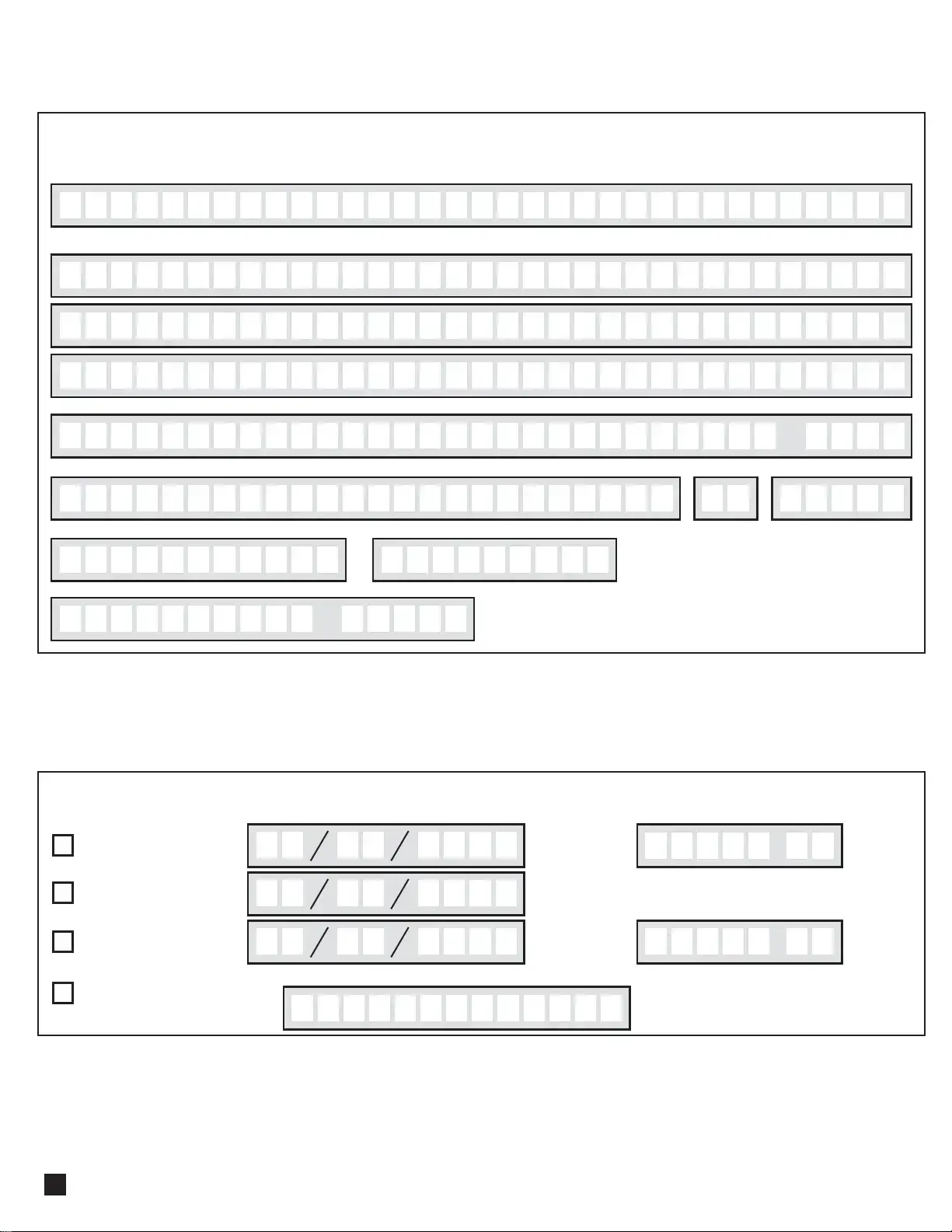
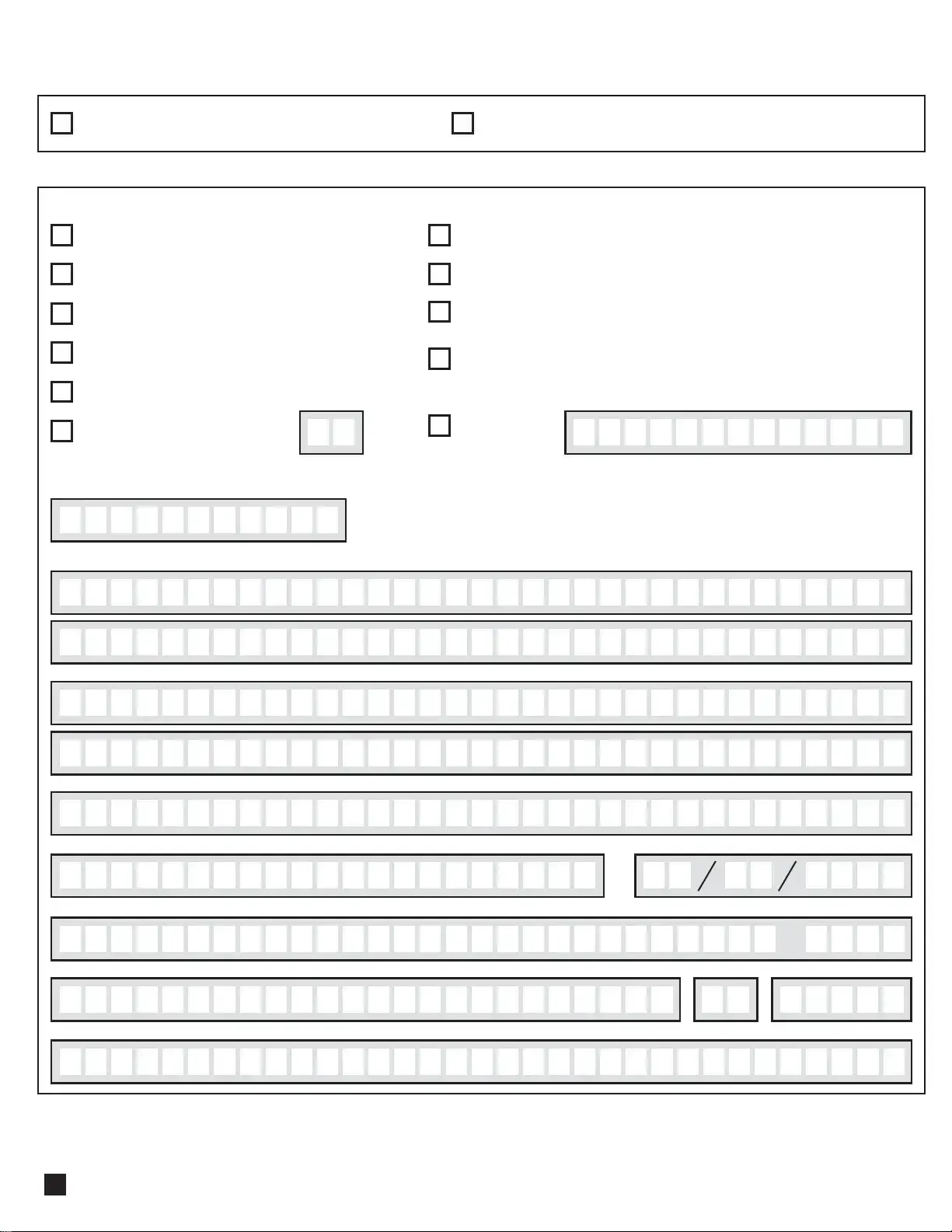
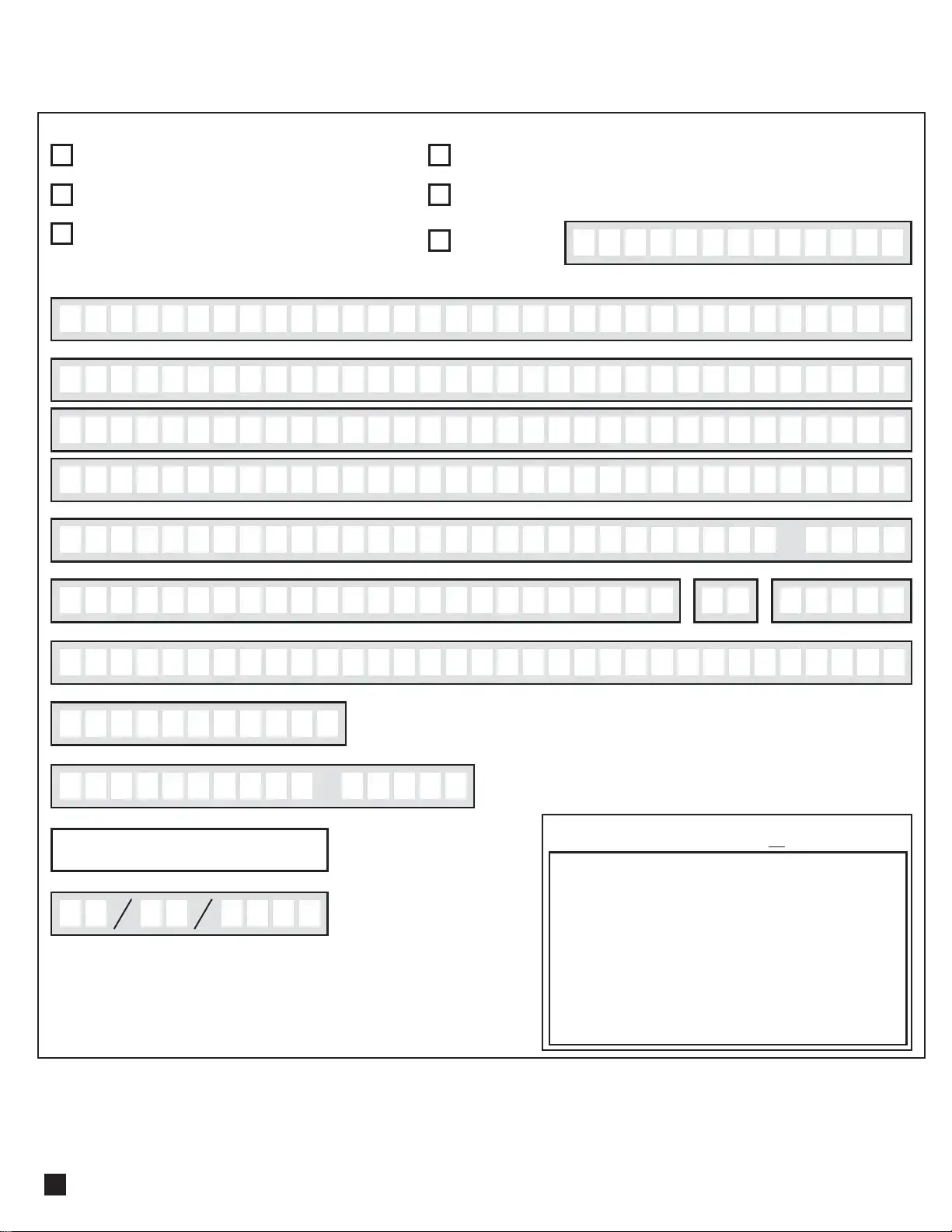
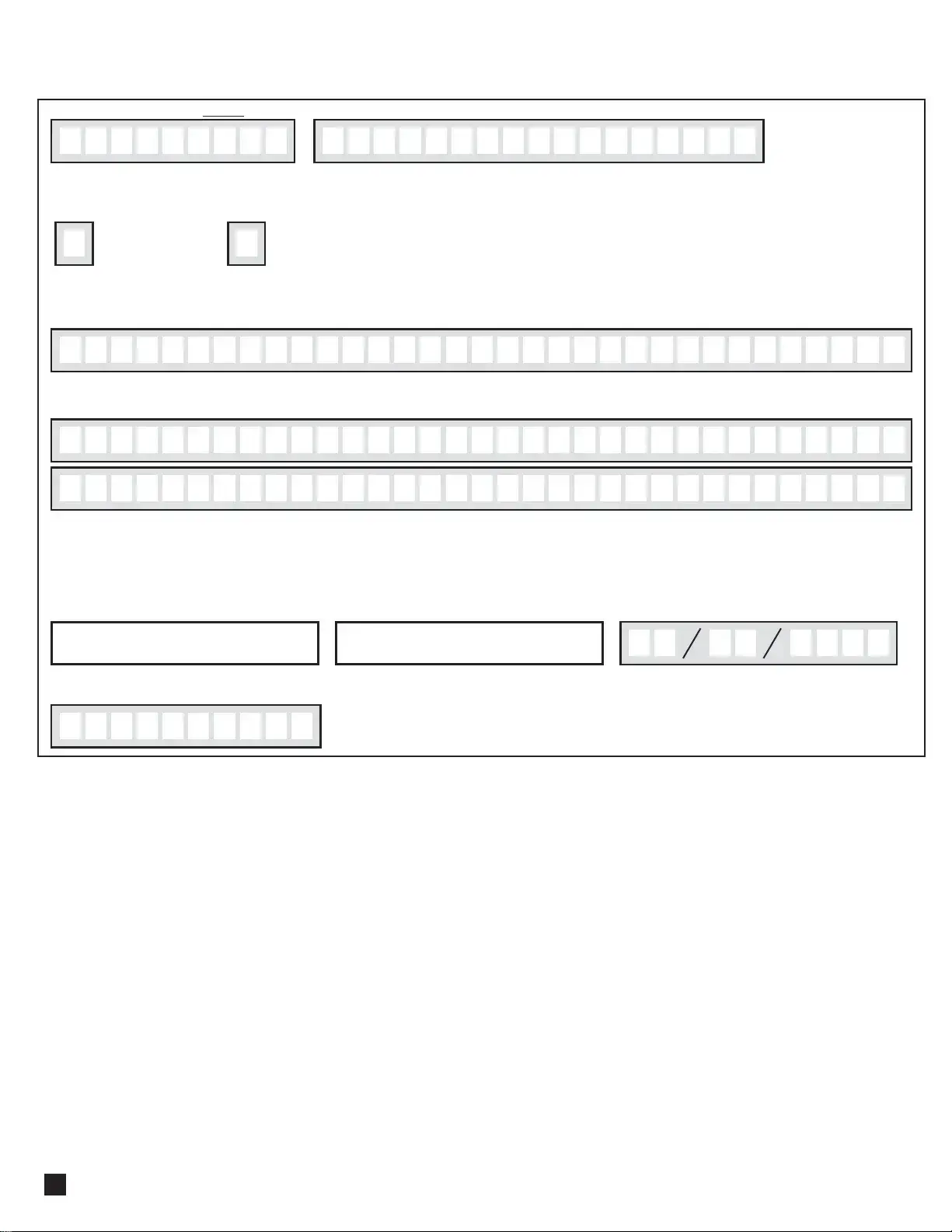
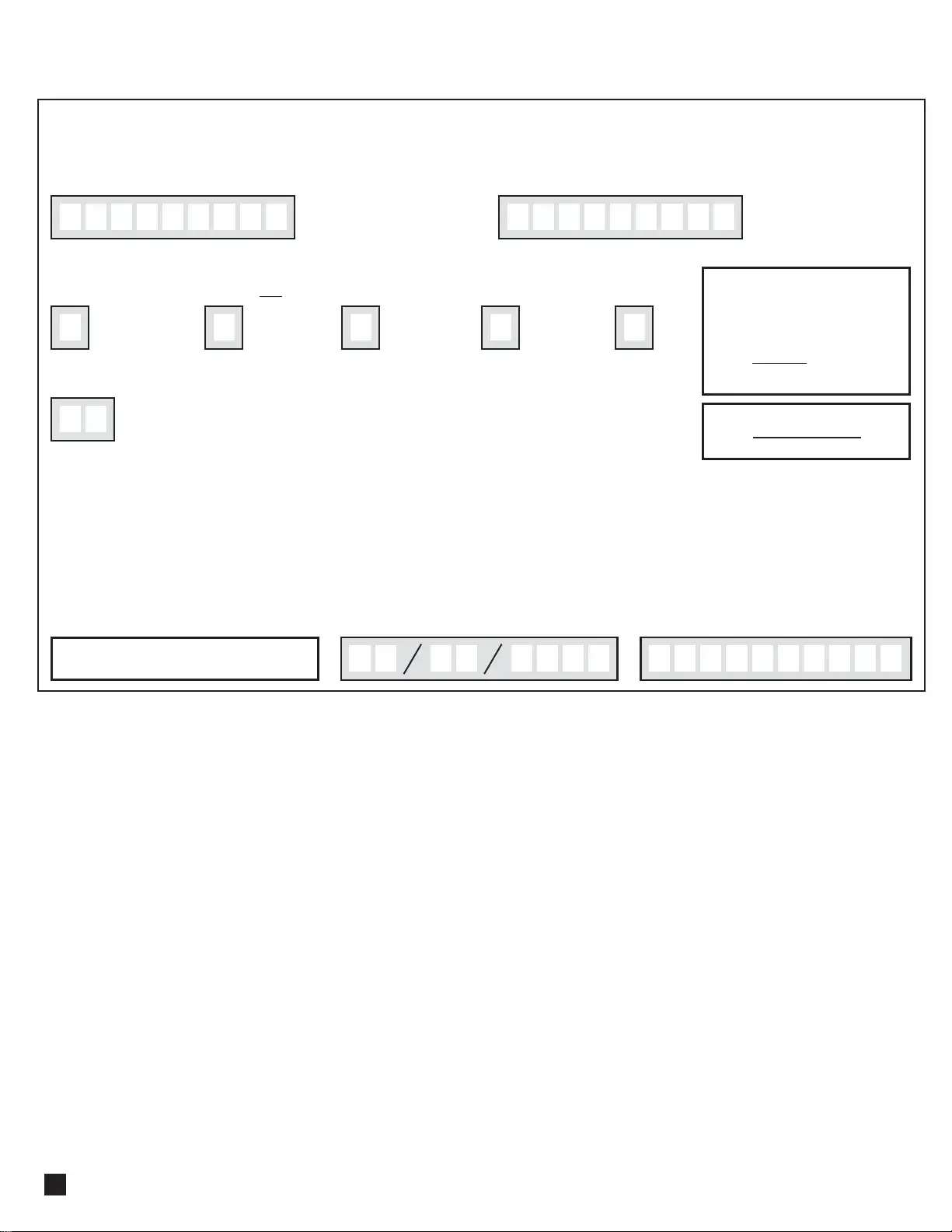
The Computershare Transfer Request form serves as a crucial document for individuals looking to transfer their shares from one account to another. This form requires detailed information about both the current account holder and the new account holder. Essential details include the names, addresses, and account numbers of the individuals or entities involved in the transfer. The form distinguishes between non-custodial and custodial registrations, prompting users to provide specific information based on their account type. Additionally, it outlines the purpose of the transfer, whether it be a private sale, gift, or inheritance, and emphasizes the importance of completing this section accurately to avoid complications. A medallion signature guarantee is mandatory, ensuring that the signatures on the form are verified by an authorized financial institution. This requirement underscores the importance of security and authenticity in the transfer process. Finally, the form guides users in providing new account details, whether for individual or custodial registrations, ensuring a seamless transition of ownership for the shares involved.



| Fact Name | Details |
|---|---|
| Form Purpose | The Computershare Transfer Request form is used to transfer shares from one account to another. |
| Account Types | Transfers can be initiated from either Non-Custodial or Custodial Registrations, requiring different sections to be completed. |
| Signature Requirements | All signatures must match the names on the stock certificate or Computershare statement and require a Medallion Signature Guarantee. |
| Cost Basis Information | Individuals must indicate the reason for the transfer, such as a gift or inheritance, to determine tax implications. |
| New Account Types | The form allows for the selection of various new account types, including Individual, Joint Tenants, and various Custodial Registrations. |
| Governing Law | For transfers involving Custodial Registrations, specific state laws may apply, depending on the type of account being established. |
Filling out the Computershare Transfer Request form is an important step in transferring your shares to a new account. Once you've completed the form, it will be submitted to Computershare for processing. Make sure all information is accurate and complete to avoid delays in your transfer.
What is the Computershare Transfer Request form used for?
The Computershare Transfer Request form is used to transfer shares from one account to another. Whether you are moving shares from a non-custodial account or a custodial account, this form helps ensure that the transfer is processed correctly. It collects essential information about the current account holder, the shares being transferred, and the new account details.
How do I fill out the form correctly?
To fill out the form correctly, start by printing clearly and providing accurate information. Include your name, address, and account number as they appear on your account statement. If you are transferring shares from a custodial account, the custodian must complete specific sections. Make sure to check the appropriate boxes regarding the purpose of the transfer and provide the necessary details about the shares. Always double-check for accuracy to avoid delays.
What if I am transferring shares as a gift?
If you are transferring shares as a gift, you must indicate this on the form and provide the date of the gift. It’s important to complete the cost basis section as well. If you do not fill this out, the transfer may be treated as a gift by default. Consulting a tax advisor is recommended to understand any tax implications associated with gifting shares.
What is a Medallion Signature Guarantee, and why do I need it?
A Medallion Signature Guarantee is a special stamp provided by a financial institution that verifies your identity and authority to transfer shares. This guarantee helps protect against fraud. You must obtain this stamp for all signatures on the transfer request form. Note that a notary seal is not acceptable for this purpose.
Can I transfer shares to a minor or trust?
Yes, you can transfer shares to a minor or a trust. When doing so, you must provide specific information about the new account, including the name of the minor or trustee, and any relevant trust details. Make sure to follow the form instructions carefully to ensure the transfer is processed without issues.
What happens if I don’t complete all sections of the form?
If you do not complete all sections of the Computershare Transfer Request form, it may lead to delays or rejection of your transfer request. Incomplete forms can result in the transfer being treated as a gift by default, which may not align with your intentions. Always ensure that every applicable section is filled out completely and accurately.
Failing to print clearly when filling out the form can lead to misunderstandings. If the information is illegible, it might delay the transfer process or result in errors.
Not including the current account number can cause significant issues. This number is essential for identifying the account from which shares are being transferred.
Overlooking the signature requirements is a common mistake. Each current holder must sign the form, and the signatures must match exactly with those on the stock certificate or account statement.
Incorrectly completing the cost basis section can lead to the transfer being treated as a gift. It’s crucial to check only one box and provide accurate details to avoid complications.
Forgetting to obtain a Medallion Signature Guarantee can halt the transfer process. This stamp is necessary for all signatures and ensures that the transfer is authorized.
The Computershare Transfer Request form is essential for transferring shares between accounts. However, several other documents often accompany this form to ensure a smooth transfer process. Below is a list of related forms and documents that may be required.
Gathering these documents can streamline the transfer process and help prevent delays. Always ensure that all information is accurate and complete to facilitate a successful transfer of shares.
The Computershare Transfer Request form shares similarities with a stock power form. Both documents facilitate the transfer of ownership of shares from one party to another. A stock power form typically requires the signature of the current owner, similar to the Computershare form. This signature must match the name on the stock certificate, ensuring that the transfer is valid. Additionally, both documents often require a Medallion Signature Guarantee, which provides an extra layer of security and authenticity for the transaction.
Another document akin to the Computershare Transfer Request form is the stock certificate. While the Computershare form is used for transferring shares, a stock certificate serves as physical proof of ownership. When transferring shares, the stock certificate must often accompany the transfer request to confirm that the shares being transferred are indeed owned by the current holder. Both documents work together to ensure a smooth transition of ownership and provide necessary information about the shares involved.
A third document that resembles the Computershare Transfer Request form is the beneficiary designation form. This form allows account holders to specify who will receive their assets upon their passing. Like the transfer request, it requires detailed information about the current account holder and the new beneficiary. Both documents emphasize the importance of clear instructions and accurate information to avoid any disputes or confusion regarding ownership and inheritance.
The power of attorney (POA) document is another important legal instrument that bears similarities to the Computershare Transfer Request form. A POA grants one person the authority to act on behalf of another, which can include managing financial transactions like stock transfers. When a transfer request is submitted under a POA, it must clearly outline the agent’s authority to ensure that the transaction is valid. Both documents require careful attention to detail and often necessitate the signatures of all parties involved.
Lastly, the estate transfer form shares characteristics with the Computershare Transfer Request form. This document is used to transfer assets from a deceased person’s estate to their heirs or beneficiaries. Similar to the transfer request, the estate transfer form requires information about the current holder and the new owners. Both forms play crucial roles in ensuring that assets are distributed according to the wishes of the deceased and comply with legal requirements, making them essential for smooth transitions of ownership.
When filling out the Computershare Transfer Request form, attention to detail is crucial. Below are some essential dos and don’ts to ensure a smooth process.
Understanding the Computershare Transfer Request form is essential for a smooth transfer of shares. However, several misconceptions can create confusion. Here are four common misunderstandings:
Filling out the Computershare Transfer Request form can seem daunting, but understanding its key components can simplify the process. Here are some essential takeaways:
By keeping these points in mind, you can navigate the Computershare Transfer Request form with greater confidence and accuracy.