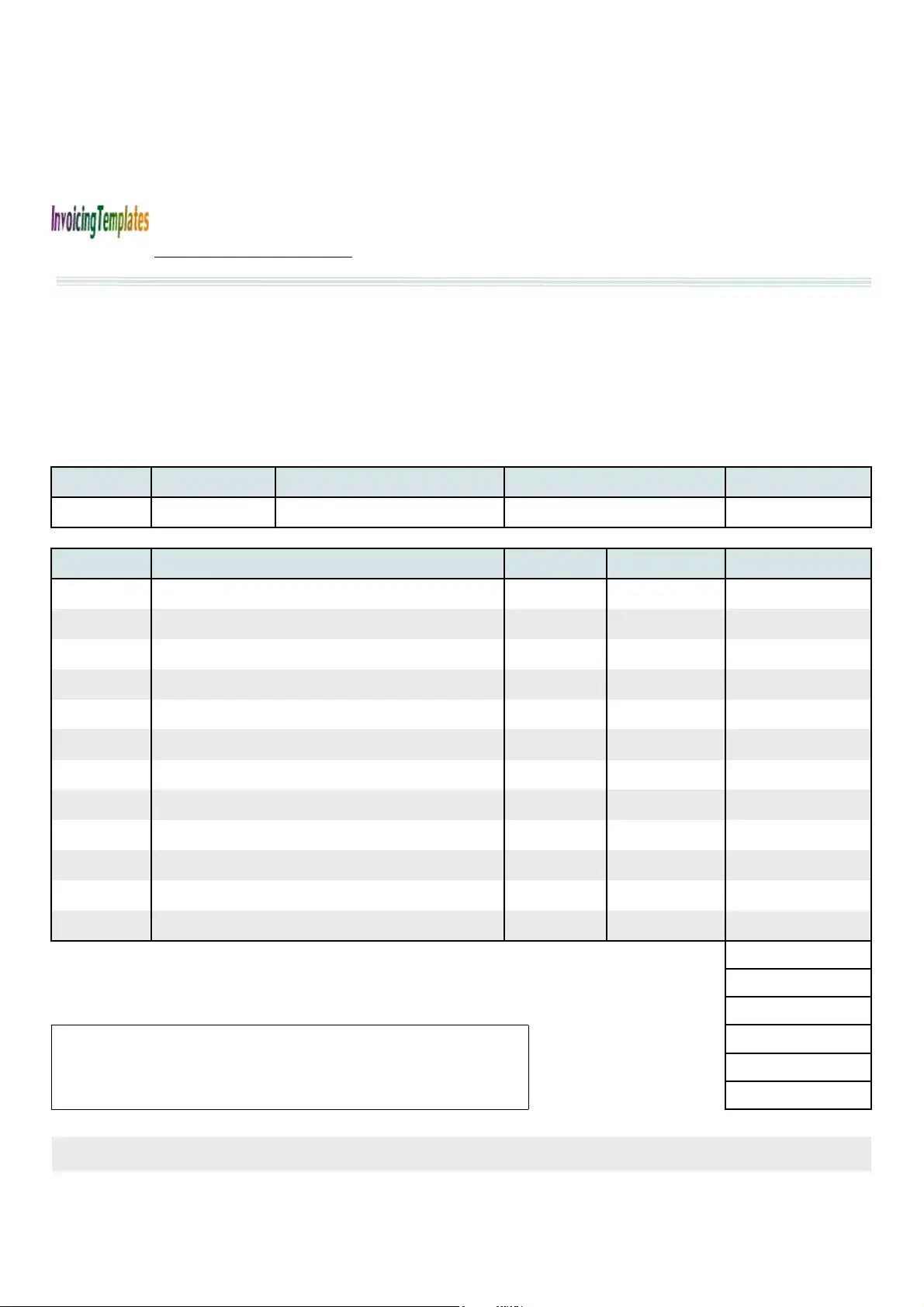
When it comes to managing auto repair services, having a well-structured invoice form is essential for both service providers and customers. The Auto Repair Invoice form serves as a comprehensive tool that captures all necessary details related to vehicle repairs. This document includes sections for the service name, customer information, and a detailed breakdown of the services rendered. From the vehicle's make and model to the specific repairs performed, each entry is crucial for clarity and transparency. Additionally, the form features spaces for pricing, taxes, and total amounts due, ensuring that both parties have a clear understanding of the financial aspects of the service. Notably, the invoice can be customized to include insurance information, making it easier for customers to process claims. This template, available in PDF format, was first introduced in 2014 and has since become a reliable resource for auto repair businesses looking to streamline their invoicing process.

| Fact Name | Description |
|---|---|
| Template Release Date | The Auto Repair Invoice Template was first released on January 1, 2014. |
| Template Categories | This template is categorized under Service. |
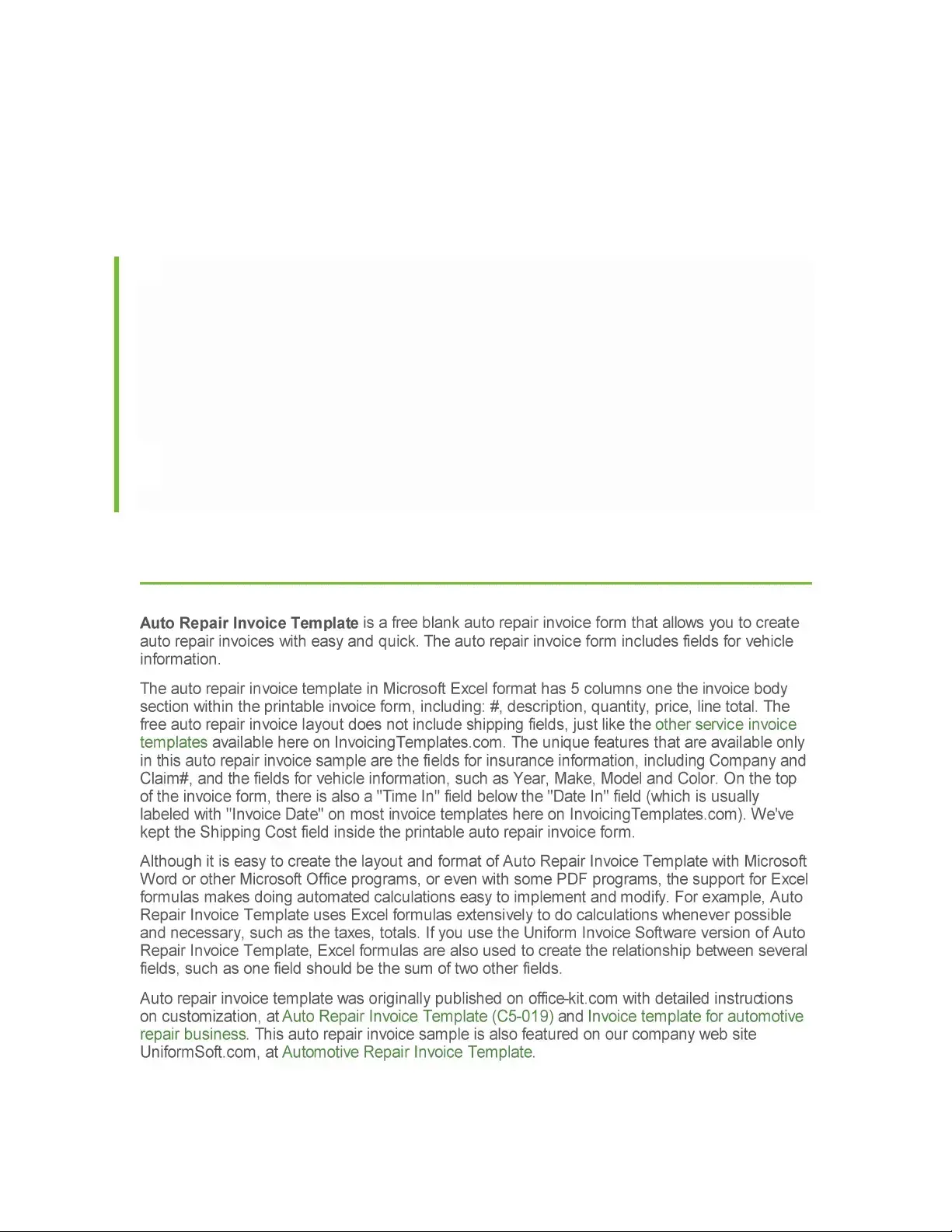
| Available Editions | There are two editions of the template: a free version and a paid version that integrates with Uniform Invoice Software. |
| PDF Format | The Auto Repair Invoice is available in PDF format for easy printing and sharing. |
| Key Features | The invoice includes sections for service name, address, date, insurance information, and itemized charges. |
| Governing Law | In the United States, auto repair invoices are subject to state-specific laws regarding consumer protection and business practices. |
Filling out the Auto Repair Invoice form requires careful attention to detail to ensure that all necessary information is accurately captured. This process helps facilitate clear communication between the service provider and the customer, ensuring that everyone is on the same page regarding services rendered and payments due.
What is the Auto Repair Invoice form used for?
The Auto Repair Invoice form serves as a detailed record of services rendered by an auto repair shop. It outlines the work completed on a vehicle, including parts used and labor costs. This document is essential for both the service provider and the customer, ensuring transparency in billing and providing a reference for future repairs. By using this form, businesses can maintain accurate financial records while customers receive a clear understanding of their expenses.
How can I obtain the Auto Repair Invoice Template?
You can easily download the Auto Repair Invoice Template for free from the website http://www.InvoicingTemplates.com. The template is available in PDF format, making it convenient for printing and sharing. Additionally, there is a version compatible with Uniform Invoice Software, which allows for a more comprehensive invoicing system. This flexibility ensures that you can choose the format that best meets your needs.
What information is included in the Auto Repair Invoice?
The Auto Repair Invoice contains several key sections. It starts with the service provider's name, contact information, and invoice number. The form captures details about the vehicle, such as the year, make, model, and color. It also includes a breakdown of services provided, with descriptions, quantities, unit prices, and line totals. Additionally, it outlines the subtotal, applicable taxes, and the total amount due. Insurance information can also be included, providing a comprehensive overview of the transaction.
Is there a cost associated with the Auto Repair Invoice Template?
No, the basic Auto Repair Invoice Template is available for free. You can download it directly from the specified website without any charges. However, if you prefer a more advanced invoicing system, the version that integrates with Uniform Invoice Software may involve a fee. This option provides additional features that can enhance your invoicing process.
Failing to include contact information for both the customer and the repair shop can lead to confusion. It's important to provide accurate phone numbers, addresses, and email addresses.
Not specifying the vehicle details can create issues. Always include the year, make, model, and color of the vehicle to avoid misunderstandings.
Omitting the invoice number is a common mistake. Each invoice should have a unique number for tracking purposes.
Incorrectly calculating the subtotal and taxes can lead to billing errors. Double-check all calculations to ensure accuracy.
Leaving out the thank you note can diminish customer experience. A simple expression of gratitude can enhance customer satisfaction.
When managing auto repair transactions, several documents complement the Auto Repair Invoice form. Each serves a unique purpose, ensuring a smooth process for both service providers and customers. Below is a list of commonly used forms and documents.
Using these documents in conjunction with the Auto Repair Invoice form can streamline operations and enhance customer satisfaction. Each form plays a vital role in ensuring clarity and accountability throughout the repair process.
The first document similar to the Auto Repair Invoice is the General Service Invoice. This form is used by various service providers to detail the work performed and the costs associated with it. Like the Auto Repair Invoice, it includes sections for service descriptions, quantities, unit prices, and totals. Both documents serve the purpose of providing a clear summary of services rendered, making it easy for clients to understand what they are being charged for.
Another related document is the Vehicle Repair Authorization Form. This form is crucial for auto repair shops as it secures permission from the vehicle owner before any work is done. Similar to the Auto Repair Invoice, it captures important vehicle details and customer information. However, while the invoice summarizes completed work, the authorization form focuses on obtaining consent for repairs, ensuring transparency and accountability in the service process.
The Work Order is another document that shares similarities with the Auto Repair Invoice. It outlines the tasks to be performed on a vehicle and can include labor and parts estimates. Like the invoice, it provides a clear breakdown of costs. However, the work order is typically created before the work begins, serving as a blueprint for the services to be provided, whereas the invoice is issued after the work is completed.
A Repair Order (R.O.) is also akin to the Auto Repair Invoice. This document records the details of repairs requested by the customer and includes information about parts and labor. Both documents track the same information, but the Repair Order is used during the service process, while the invoice is a final statement of charges. This distinction helps in maintaining clear communication throughout the repair process.
The Sales Receipt is another document that resembles the Auto Repair Invoice. It serves as proof of purchase for goods or services provided. Both documents include itemized lists of services or products, along with their costs. However, a sales receipt is typically issued at the point of sale, while the Auto Repair Invoice may be sent after the service has been completed, often including additional details like warranty information or payment terms.
The Estimate is similar in nature to the Auto Repair Invoice, as both documents detail costs associated with services. An estimate, however, is provided before the work begins and gives the customer an idea of what to expect in terms of pricing. The Auto Repair Invoice, on the other hand, is a final bill that reflects the actual costs incurred, making it essential for record-keeping and payment purposes.
The Billing Statement is another document that shares characteristics with the Auto Repair Invoice. It summarizes all transactions over a specific period, including charges for services rendered. Like the invoice, it provides a clear breakdown of costs. However, a billing statement may cover multiple invoices, making it useful for ongoing relationships with customers who receive regular services.
Finally, the Payment Receipt is a document that is often generated after payment has been made, similar to the Auto Repair Invoice. It confirms that payment has been received for services rendered. While the invoice details what services were provided and the total amount due, the payment receipt serves as proof of payment, making it important for both the service provider and the customer for their financial records.
When filling out the Auto Repair Invoice form, keep these essential tips in mind:
Many people have misconceptions about the Auto Repair Invoice form. Understanding these can help you use the form more effectively. Here are four common misconceptions:
By clearing up these misconceptions, you can make better use of the Auto Repair Invoice form and streamline your invoicing process.
Filling out and using the Auto Repair Invoice form is a vital step for both auto repair businesses and their customers. Here are some key takeaways to consider:
By following these takeaways, both businesses and customers can ensure a smoother invoicing experience.